Need to Move Your WordPress Website? Let Proweb Handle the Migration
Being told that your hosting provider will no longer support your WordPress website can feel unsettling. Your website represents your business, and the thought of moving it may raise questions.
Will you lose your content? Will you need a new website? What happens to your domain name, contact forms or business email?
You don’t need to have all the answers before getting in touch.
At Proweb, we help businesses in Malta move their WordPress websites to new hosting, with clear guidance and a carefully planned migration. With experience in WordPress development, we handle the technical work and explain what is needed along the way.
A change of hosting doesn’t have to mean starting again
If you are happy with your current website, changing hosting provider does not automatically mean you need a redesign.
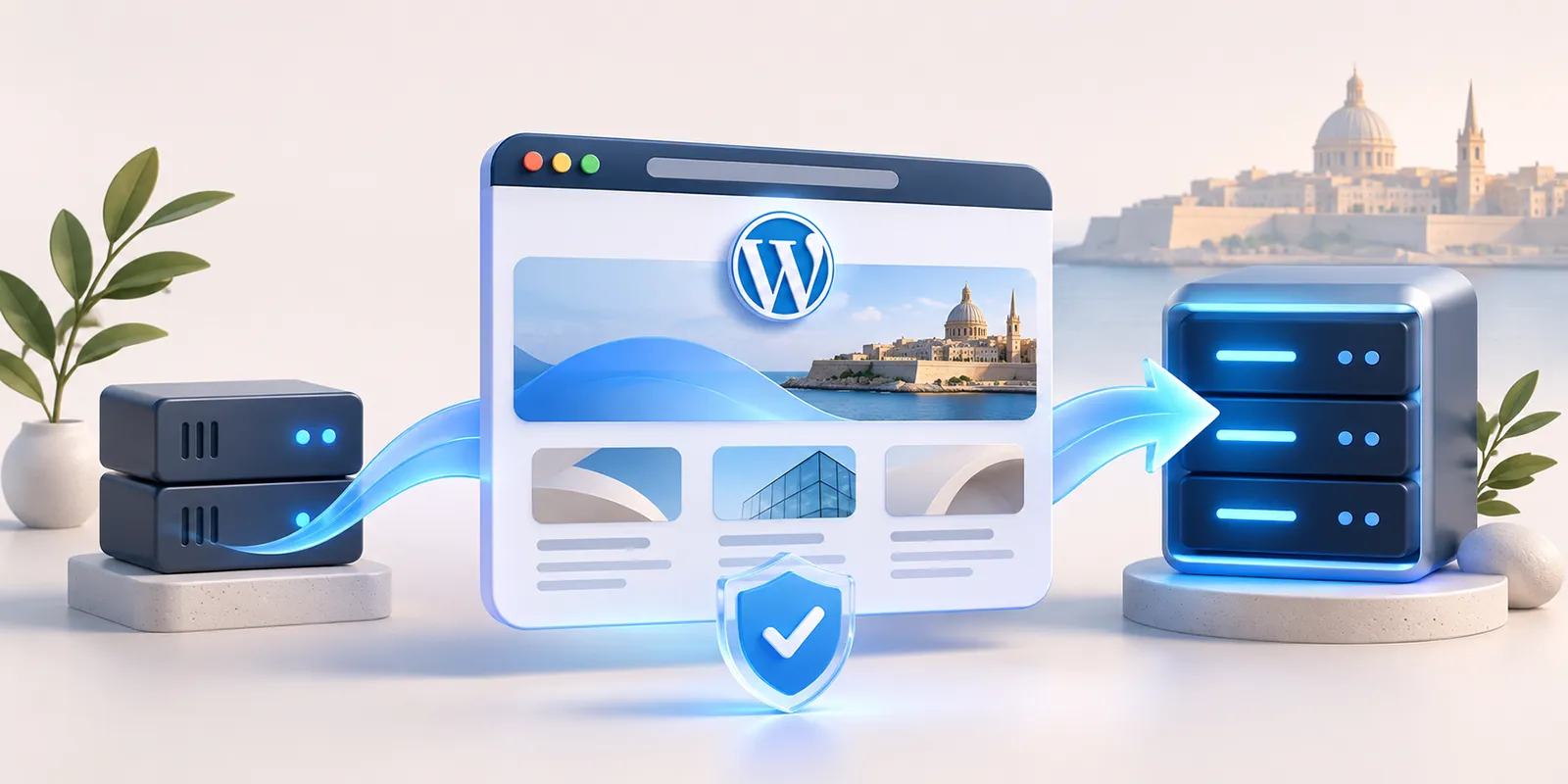
A WordPress migration involves moving your existing website’s files and database to a new hosting environment. The aim is to bring your pages, images, blog posts and existing design with you.
Before proceeding, we review your website to identify any requirements that may need attention, such as premium plugins, theme licences or services connected to your current provider.
You’ll know what is involved before committing to the move.
Getting started is simpler than you might think
You don’t need to download files, export databases or understand hosting settings.
To get started, contact Proweb or email [email protected] with:
- Your website address.
- A short message saying you need help moving your WordPress website.
- Any deadline your current hosting provider has given you.
If you don’t know where your domain is registered or how your hosting is configured, that’s fine. Send us what you have, and we’ll help you establish the next steps.
A free initial website backup
Once we have agreed access with you, we’ll ask you to create a temporary WordPress administrator account for Proweb.
This gives us access to your website’s dashboard without needing your own personal login. We’ll guide you through creating the account and agree how to share access securely.
Where the existing hosting environment allows it, we’ll install a suitable backup plugin and take an initial backup of your website’s files and database at no charge.
If your website needs a different backup method or additional access, we’ll explain this before proceeding.
What does Proweb handle?
Once you approve the quotation, we manage the agreed migration work. Depending on your website’s requirements, this can include:
- Setting up the new hosting environment.
- Transferring your WordPress files and database.
- Configuring the SSL certificate for secure HTTPS access.
- Checking pages, images, menus and contact forms.
- Coordinating the domain settings needed to direct visitors to the new hosting.
- Checking the website again after the switch.
Alongside the migration, we can provide website hosting for your WordPress website. Your quotation will explain the hosting arrangement and what is included.
Where possible, we prepare and test the website on the new hosting before changing the live domain settings. This helps us identify issues early and plan the move with minimal disruption.
If your website needs attention beyond the migration, our web support services can also help with ongoing changes and technical issues.
What about your domain name and business email?
Your domain name, website hosting and business email may be managed together or through separate providers.
We check these arrangements before making changes. Moving your website does not necessarily require transferring your domain registration or moving your email.
Please keep your existing hosting active until the migration has been completed and checked. This gives us time to prepare the new environment and confirm that anything you still need from the old service has been accounted for.
Clear costs before the move
Every website is different. A small company website may have different requirements from an online shop, a membership website or a site with custom functionality.
After reviewing your requirements, Proweb will send you a quotation explaining the migration work, hosting fee and any additional setup required.
You can review the proposal and ask questions before deciding to proceed.
Have a deadline? Let’s plan the next step
If your provider has given you a date by which your website must move, include it in your first message. Getting in touch early gives us more time to review access, prepare a backup and arrange the migration.
There’s no need to wait until you understand every technical detail. That’s what we’re here to help with.
Ready to move your WordPress website?
Whether your current provider is ending WordPress support or you are simply looking for a new hosting arrangement, Proweb can help you take the next step.
Contact Proweb or email [email protected] with your website address and a brief message:
“Hi, I need help migrating my WordPress website.”
We’ll take it from there, one step at a time.